


UXtweak Snippet
- No installations for users
- Install once for all UXtweak tools

Learn how to set up and use UXtweak
Explore possibilities with demo studies and results
Export and analyze insights faster. Sync your favorite tools with UXtweak.
Resources for mastering research, design and product
Definitions of UX terms and phrases
UX insights and tips to sharpen your skills
Studies published in peer-reviewed journals and industry publications
Watch our quick, educational UX videos
Listen to top researchers share their stories, wins, lessons
Test the usability of your website quickly, effectively and with real users.
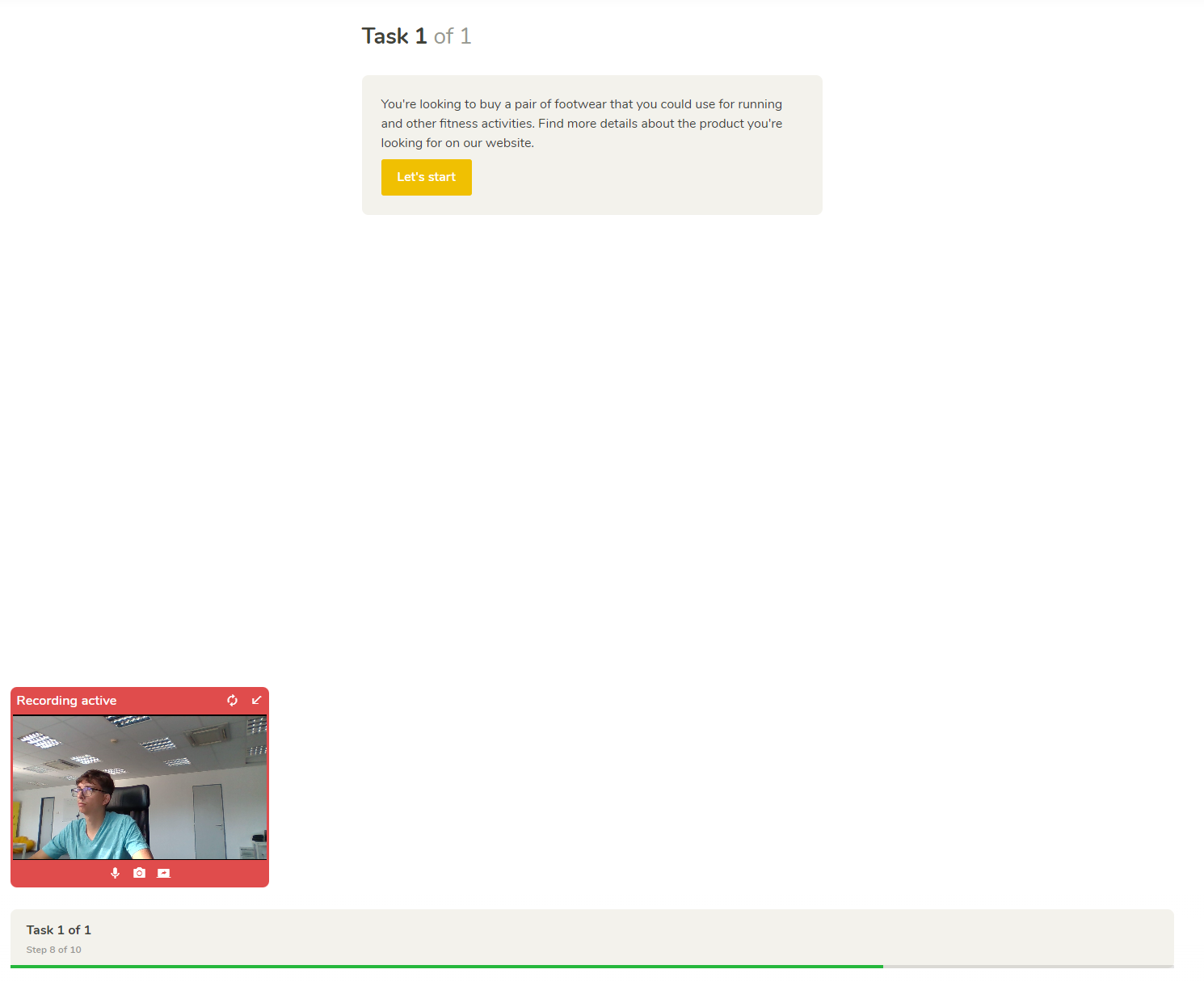
Obtain screen and voice recordings of your participants’ behavior on your website and discover what difficulties they encounter.
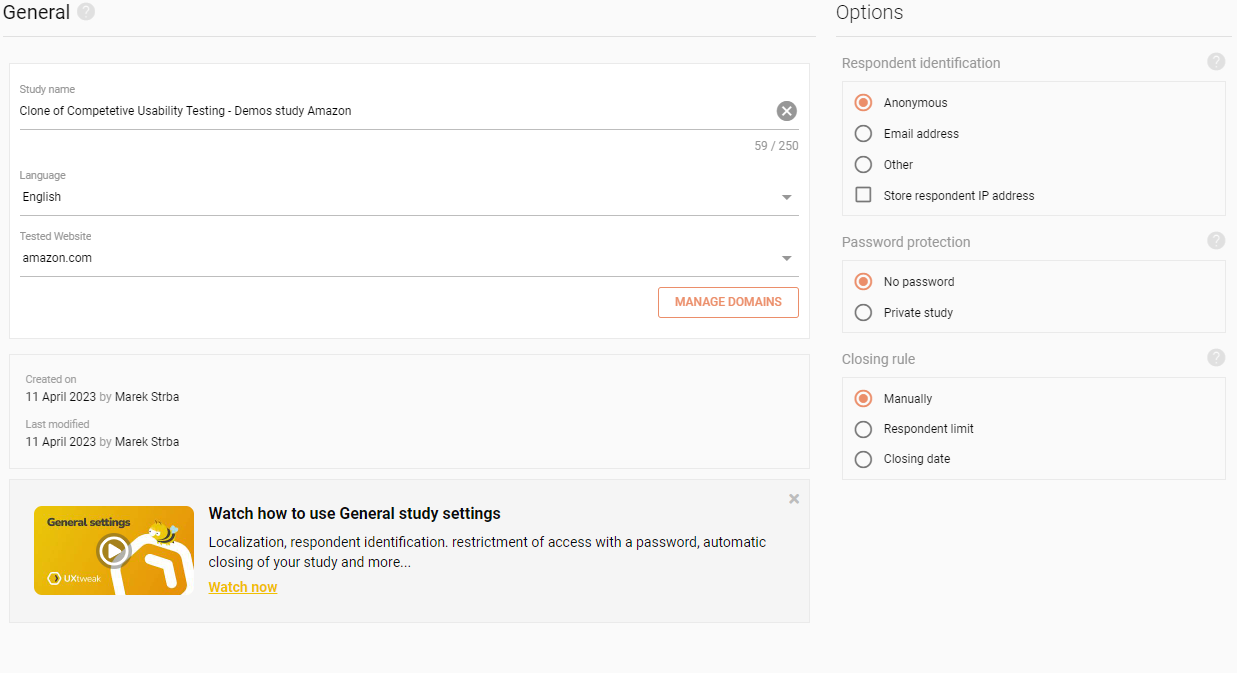
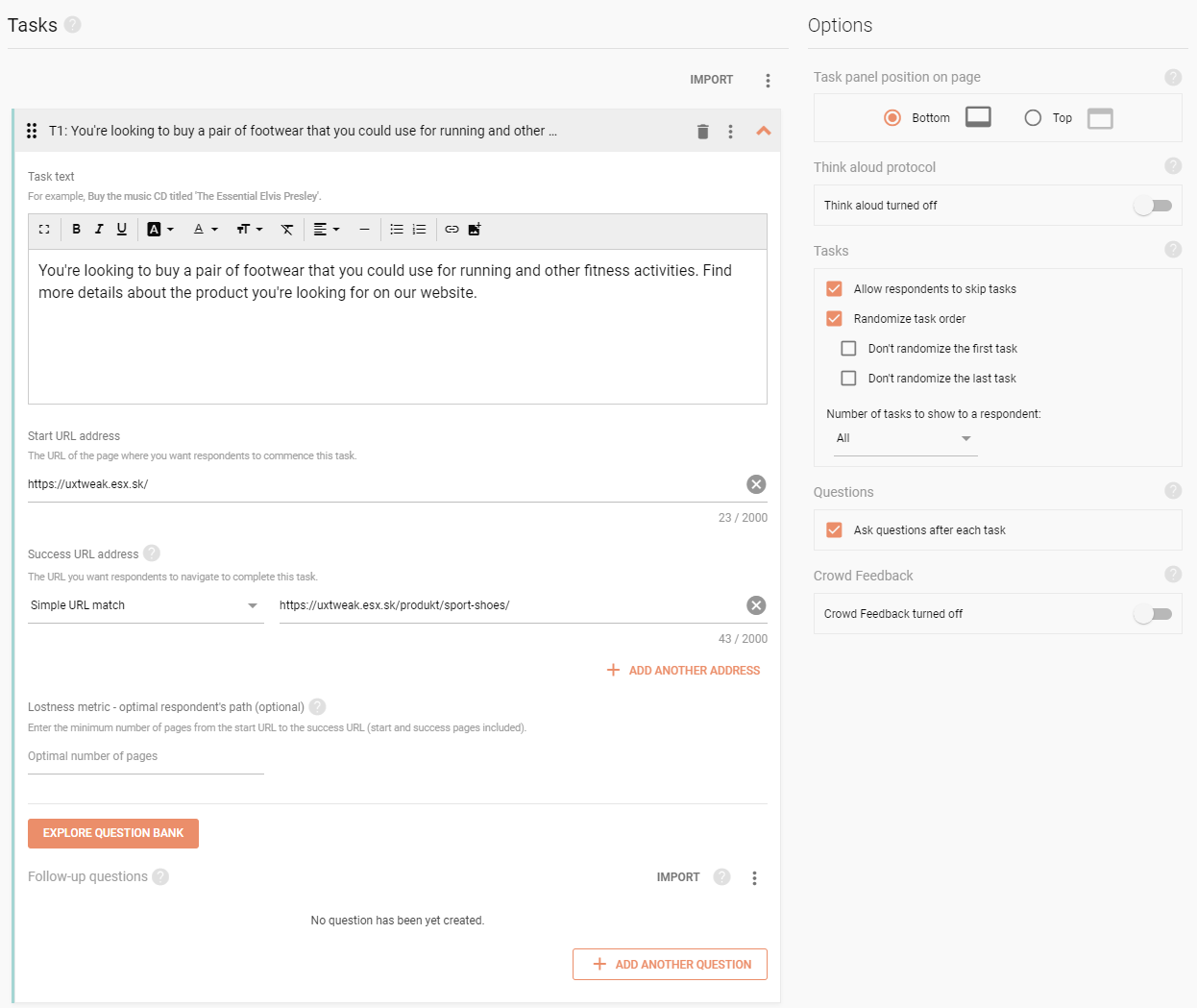
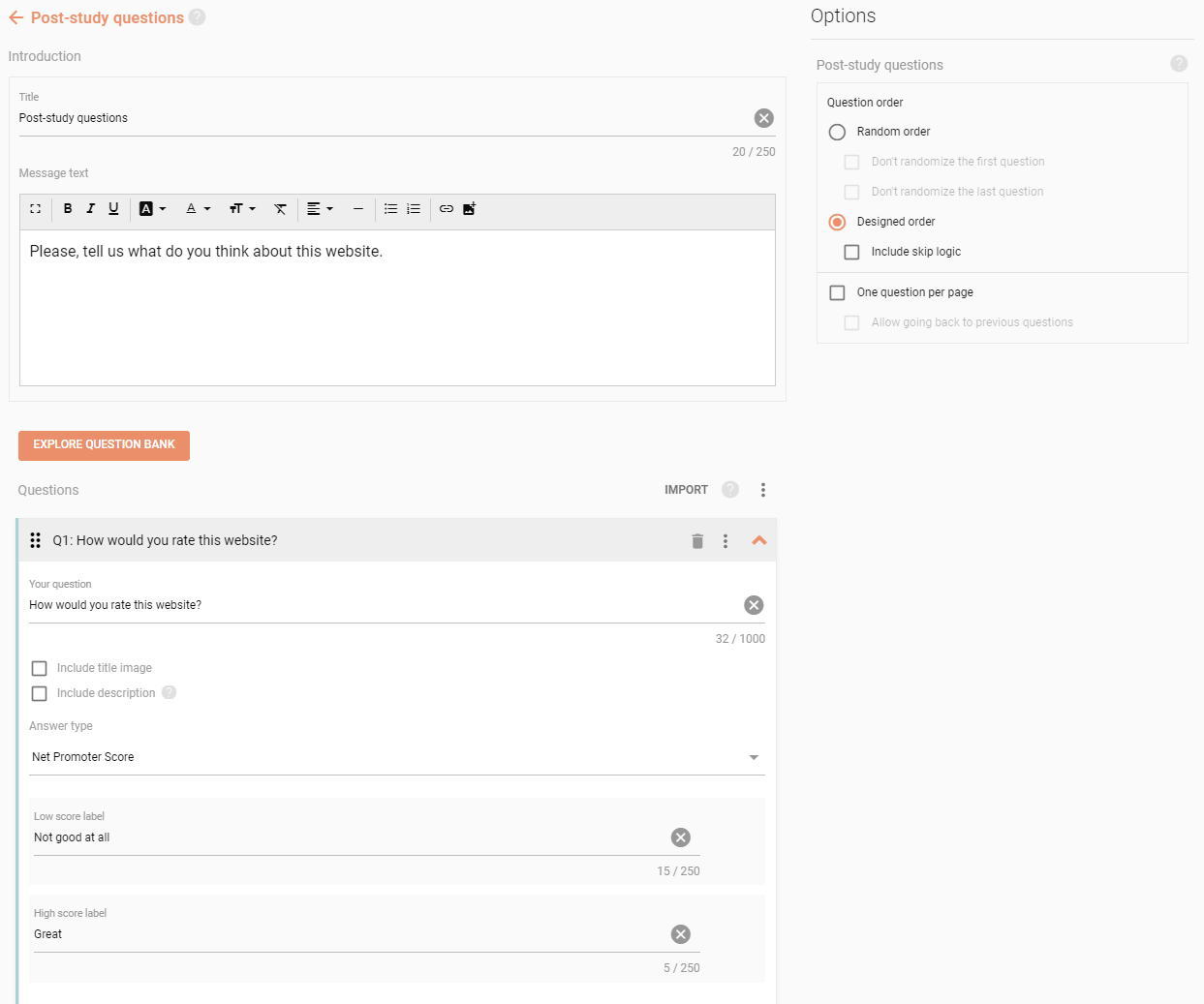
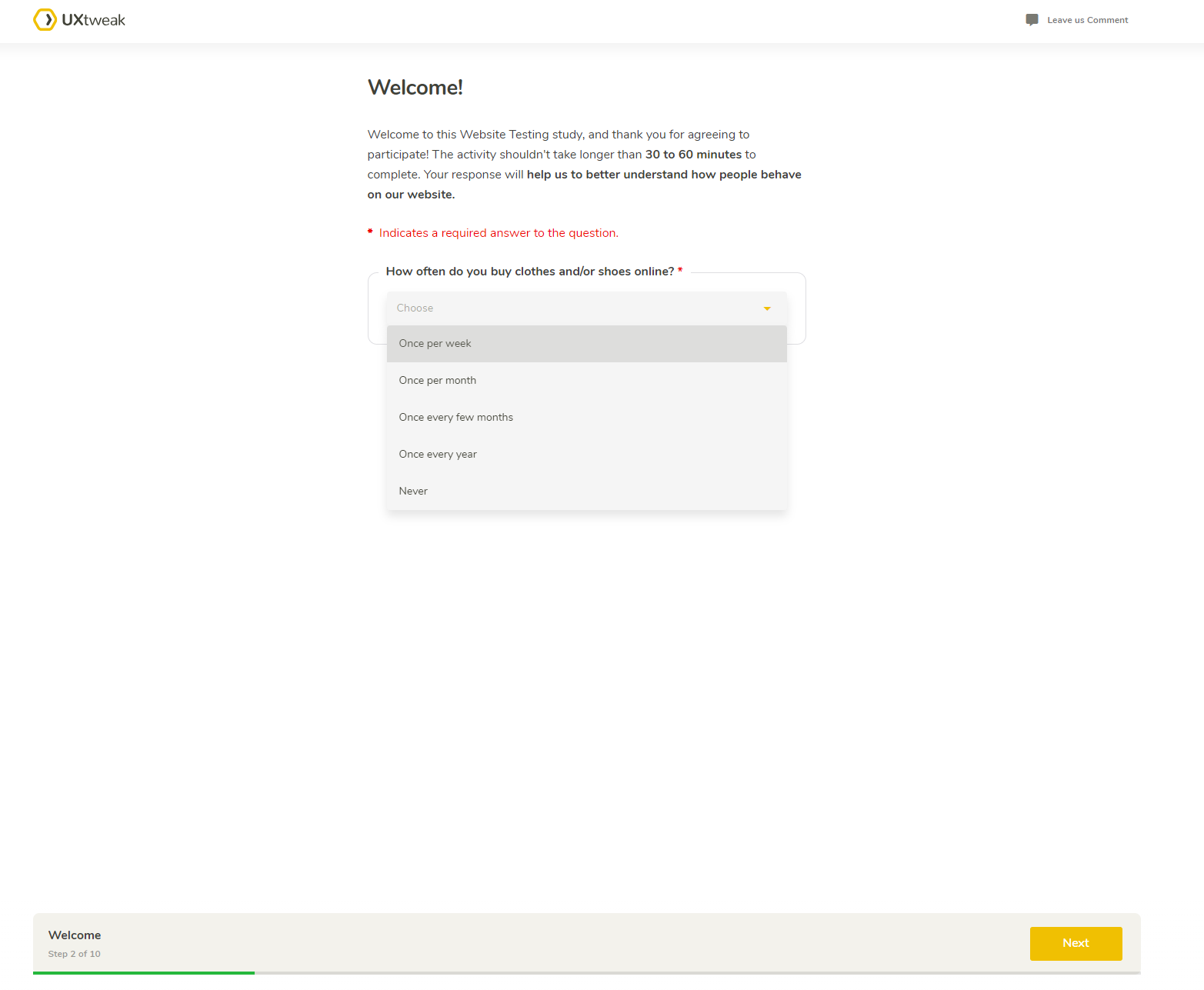
Create a new Website Testing study with tasks that reflect common user activities on your site. Choose any live website to test. Discover your user’s needs and opinions with follow-up surveys.
Share your study link to your audience directly or using our Own Database mailing system. Find testers on your own site with our special Onsite Recruiting Widget. Time-consuming? Order testers from our User Panel.
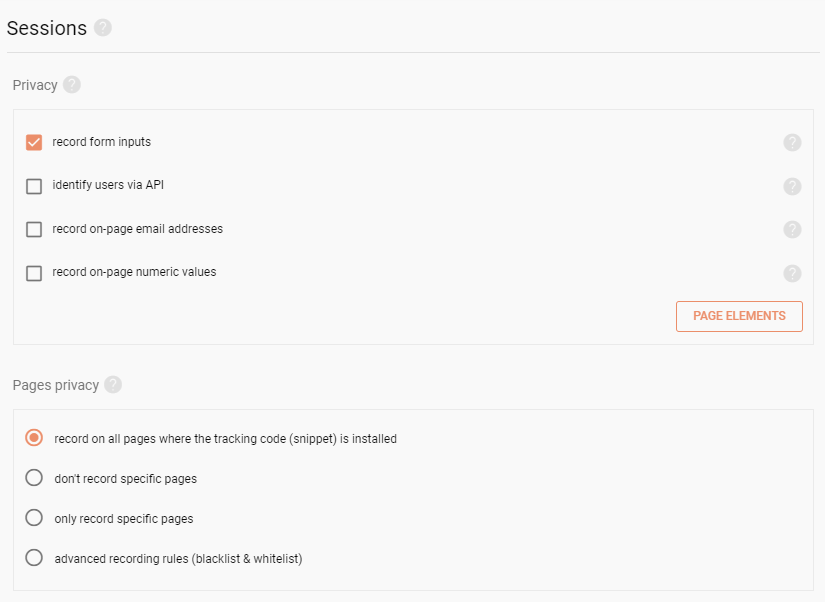
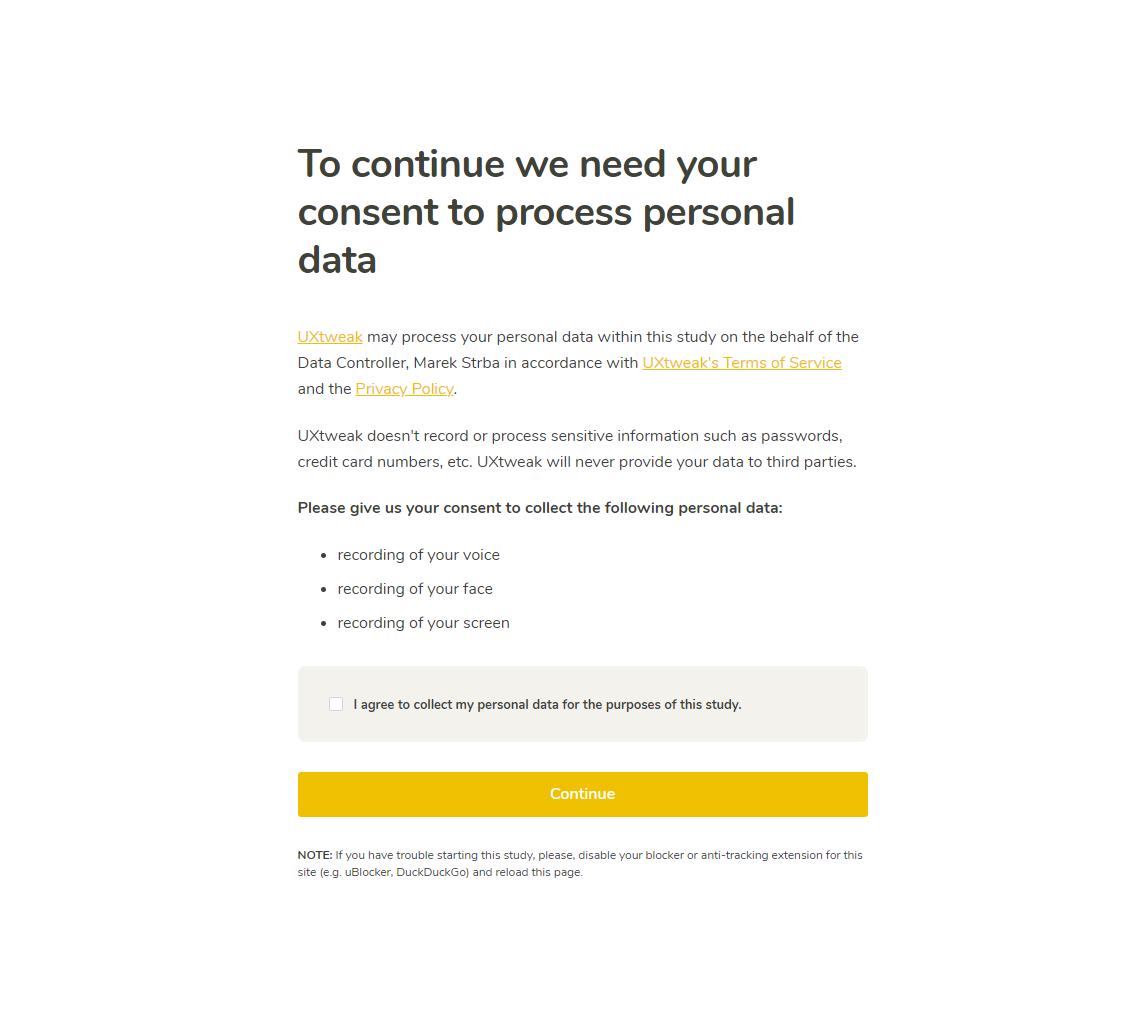
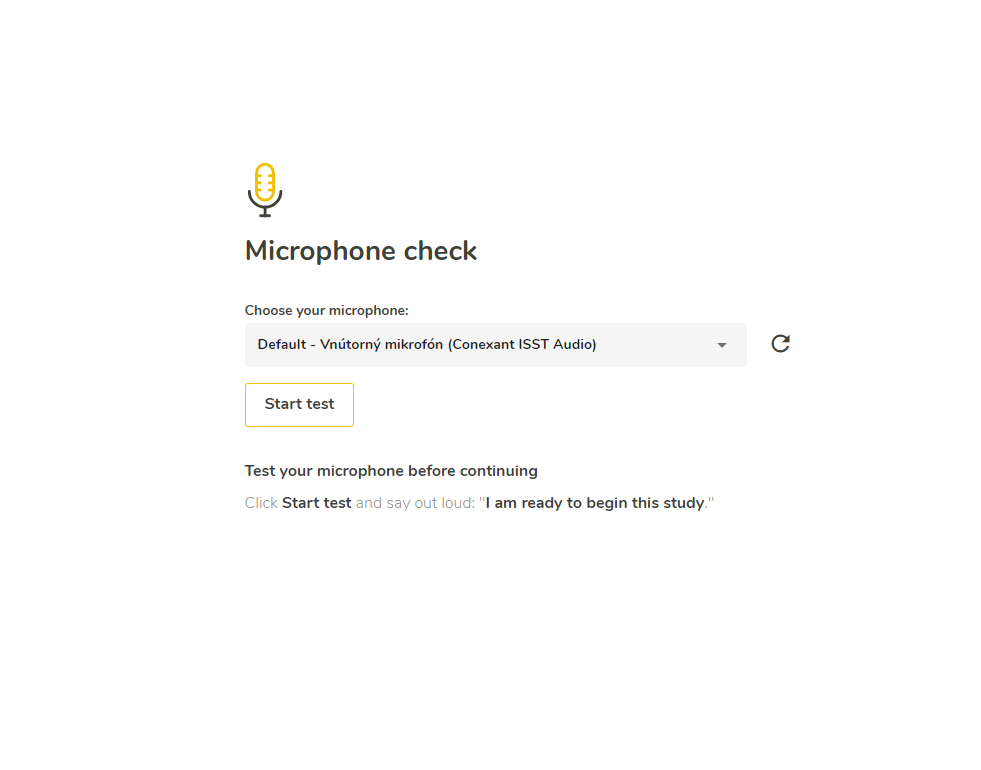
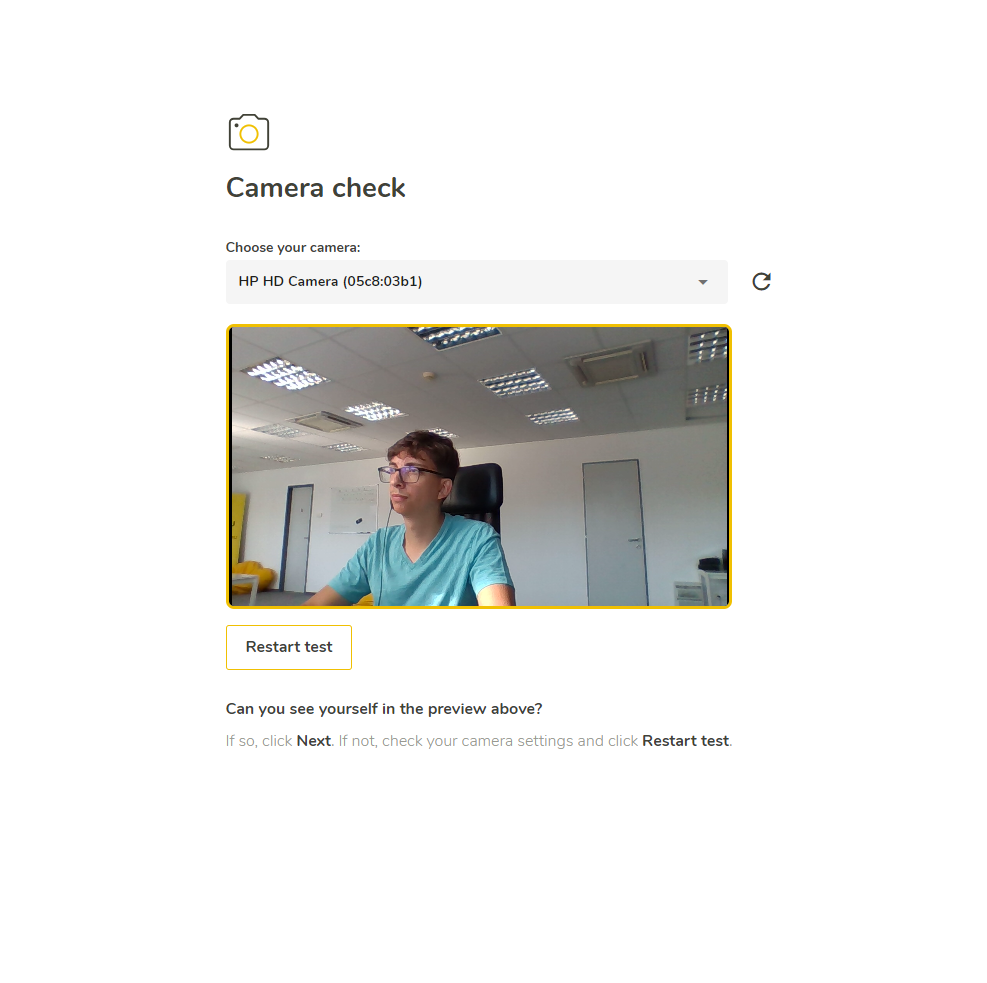
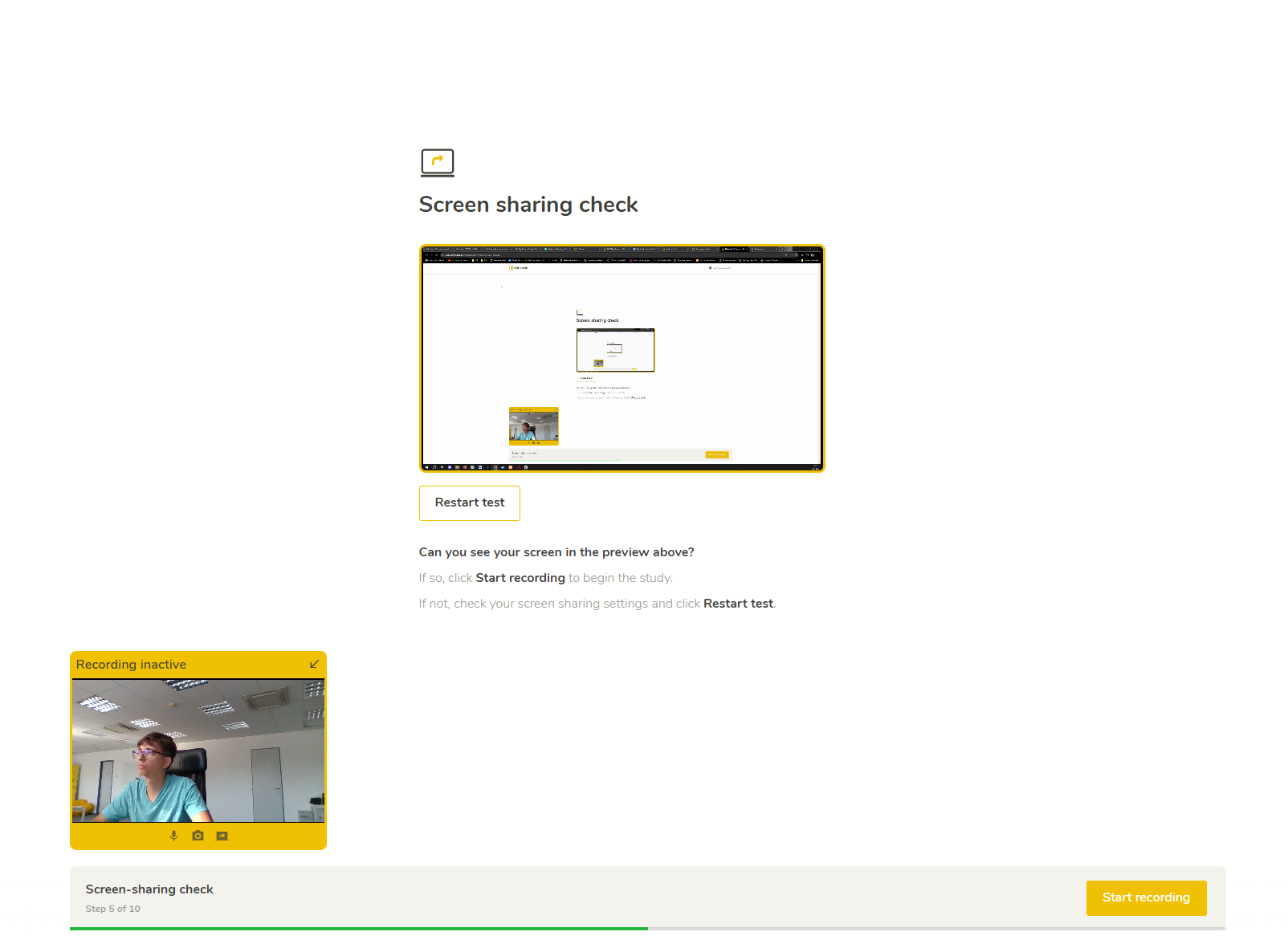
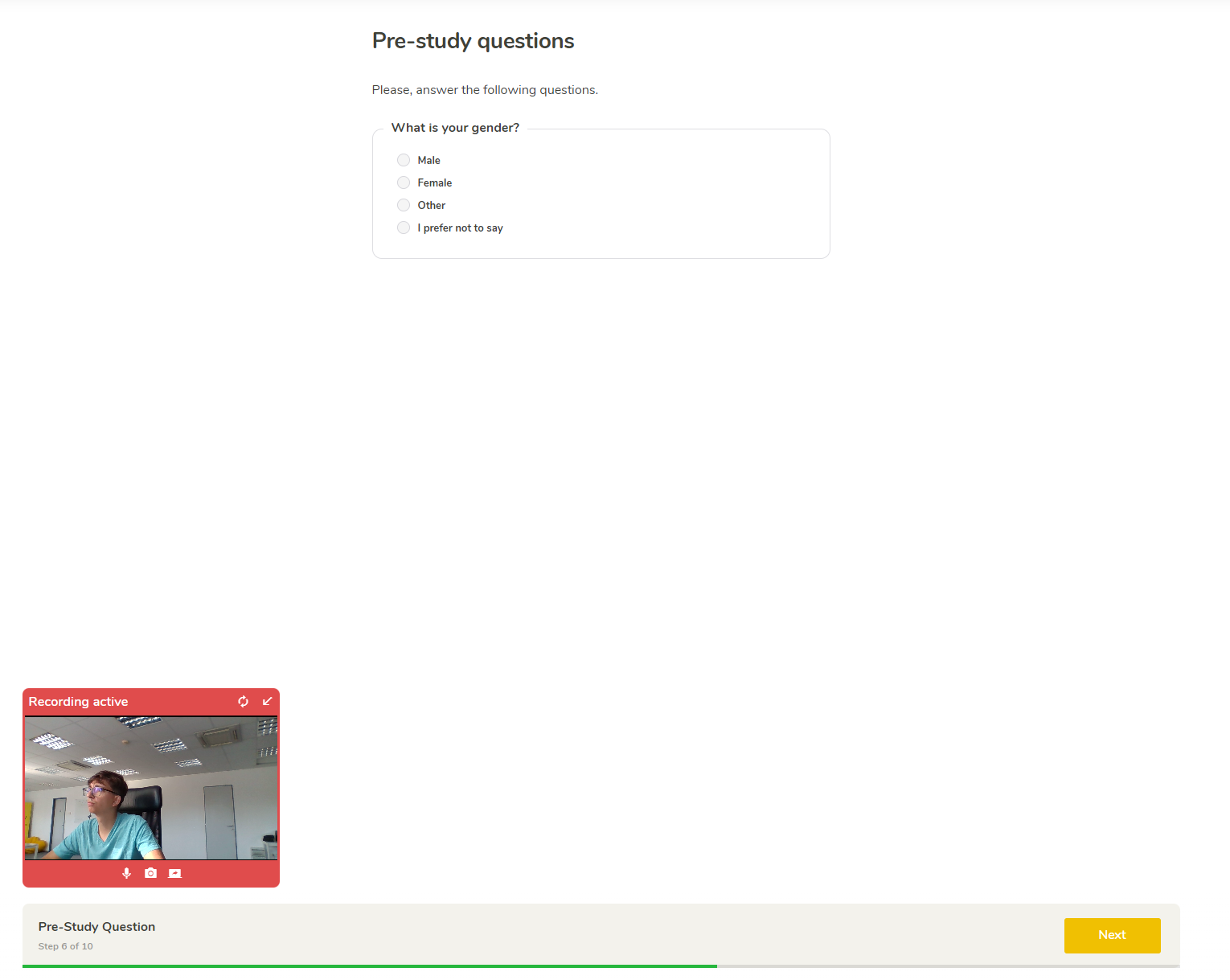
Record participants Screen, Face and Voice while they are using completing tasks on your website defined by you.
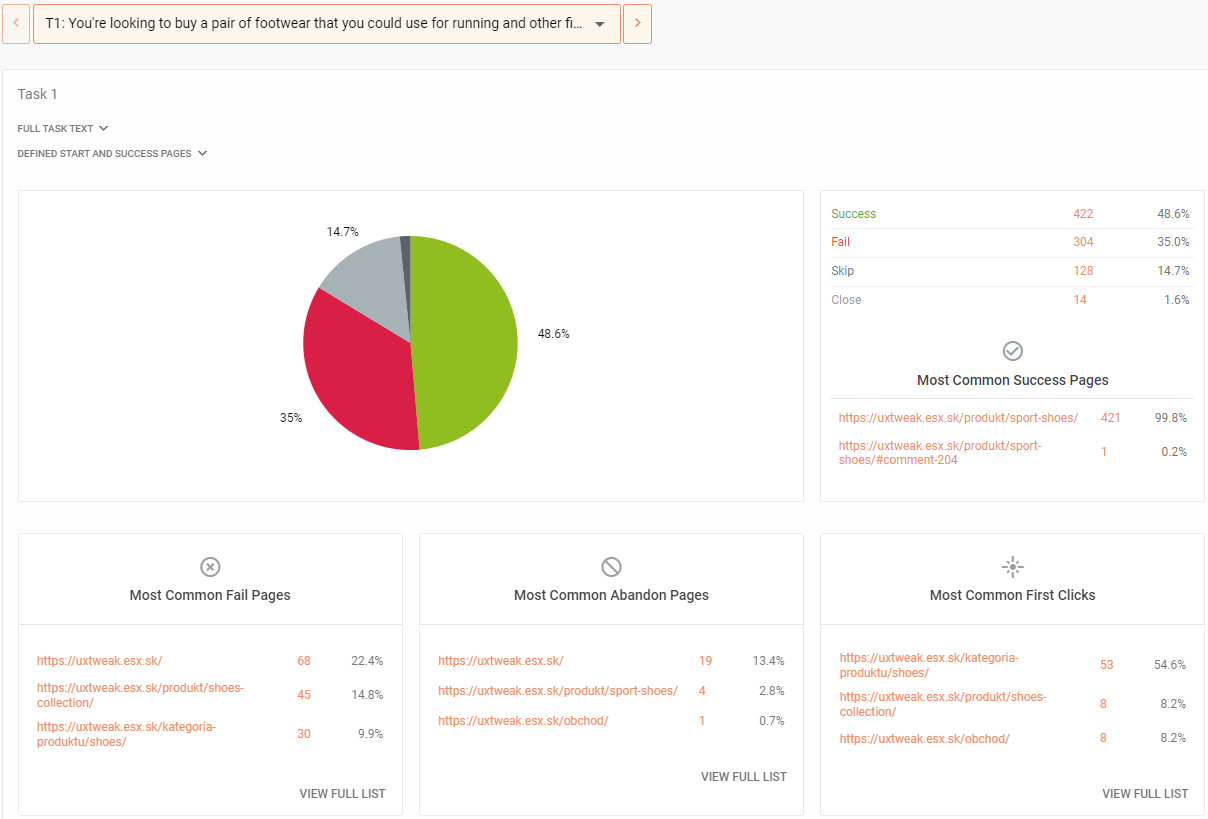
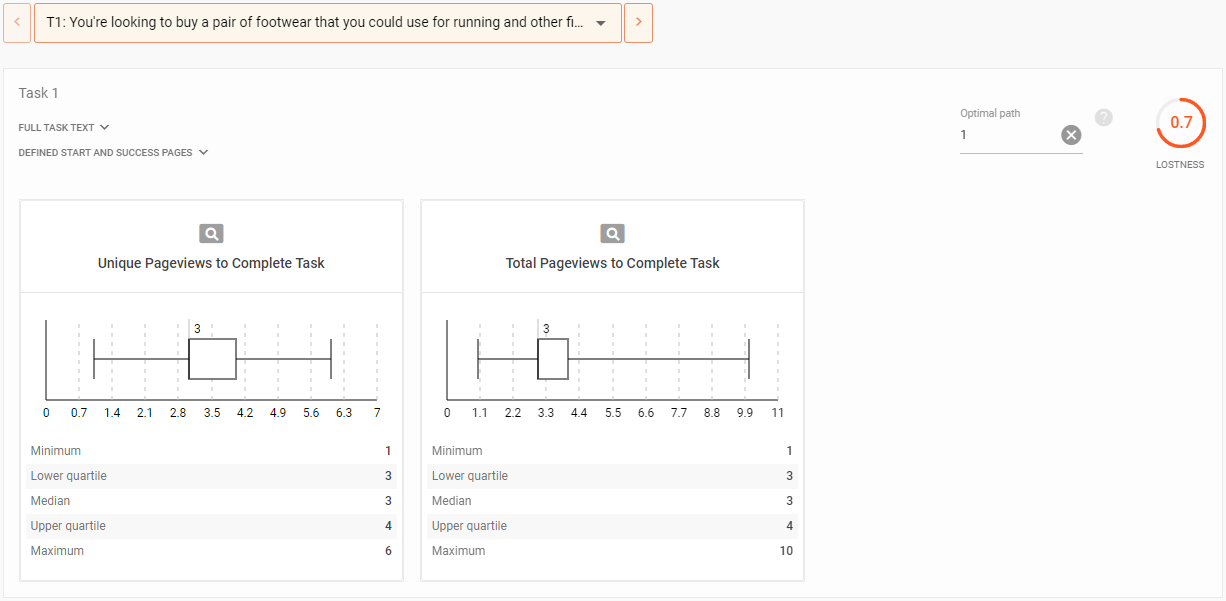
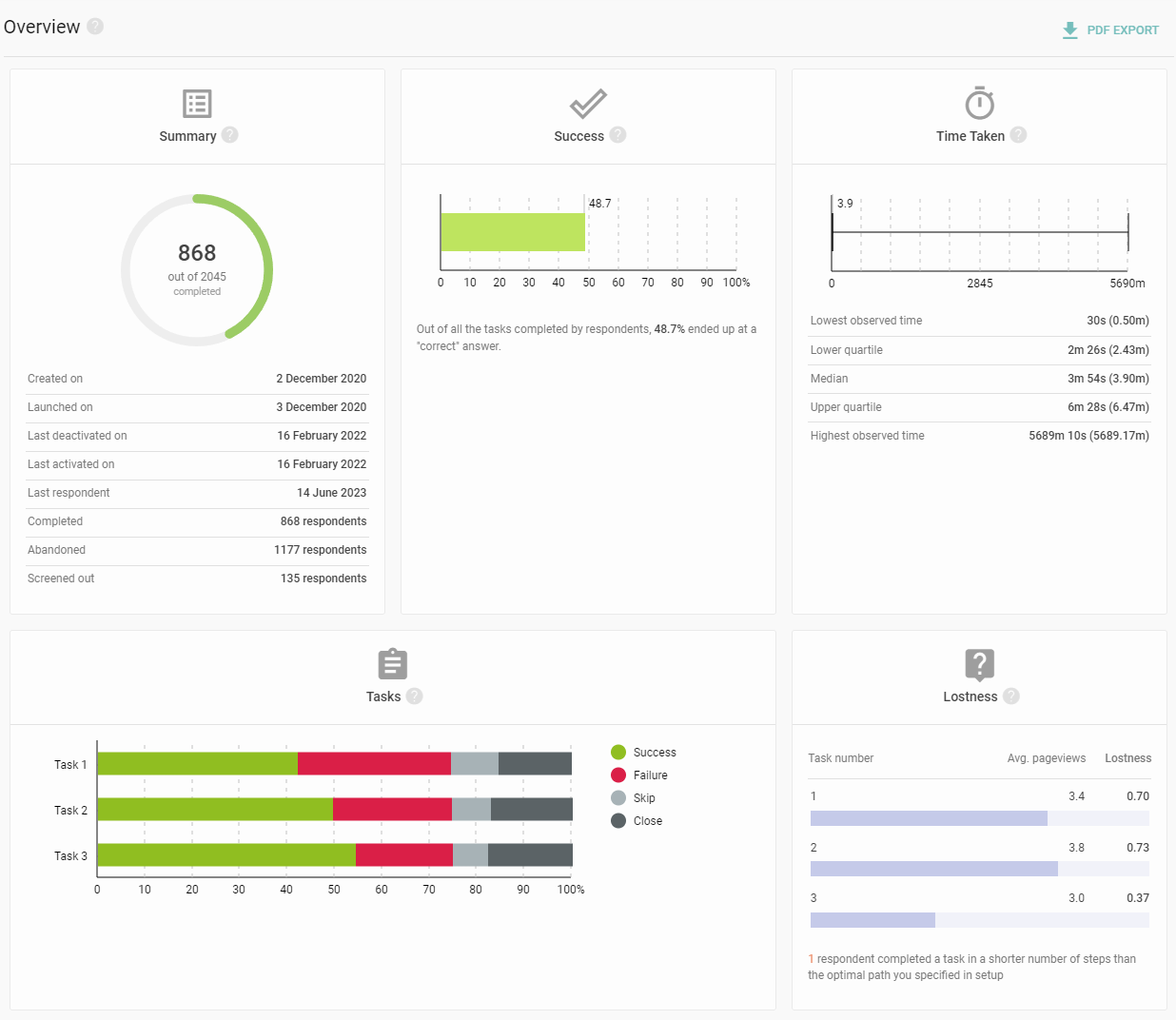
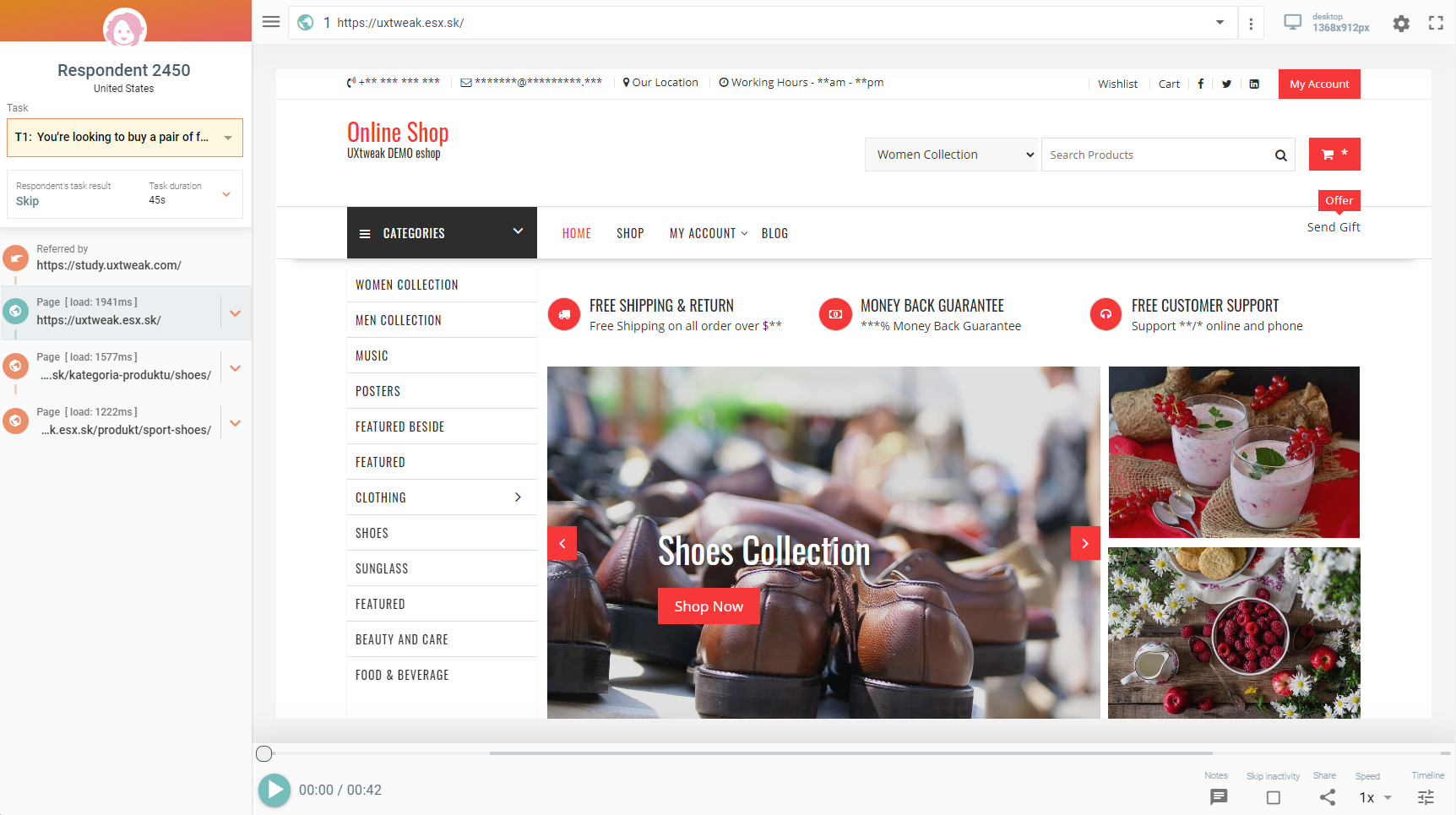
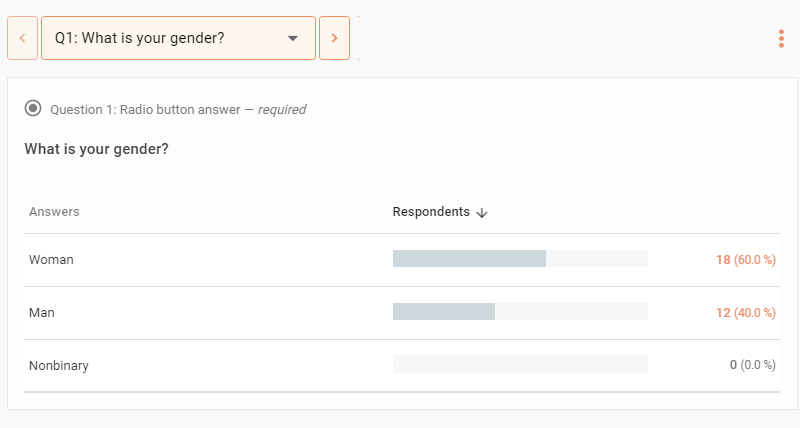
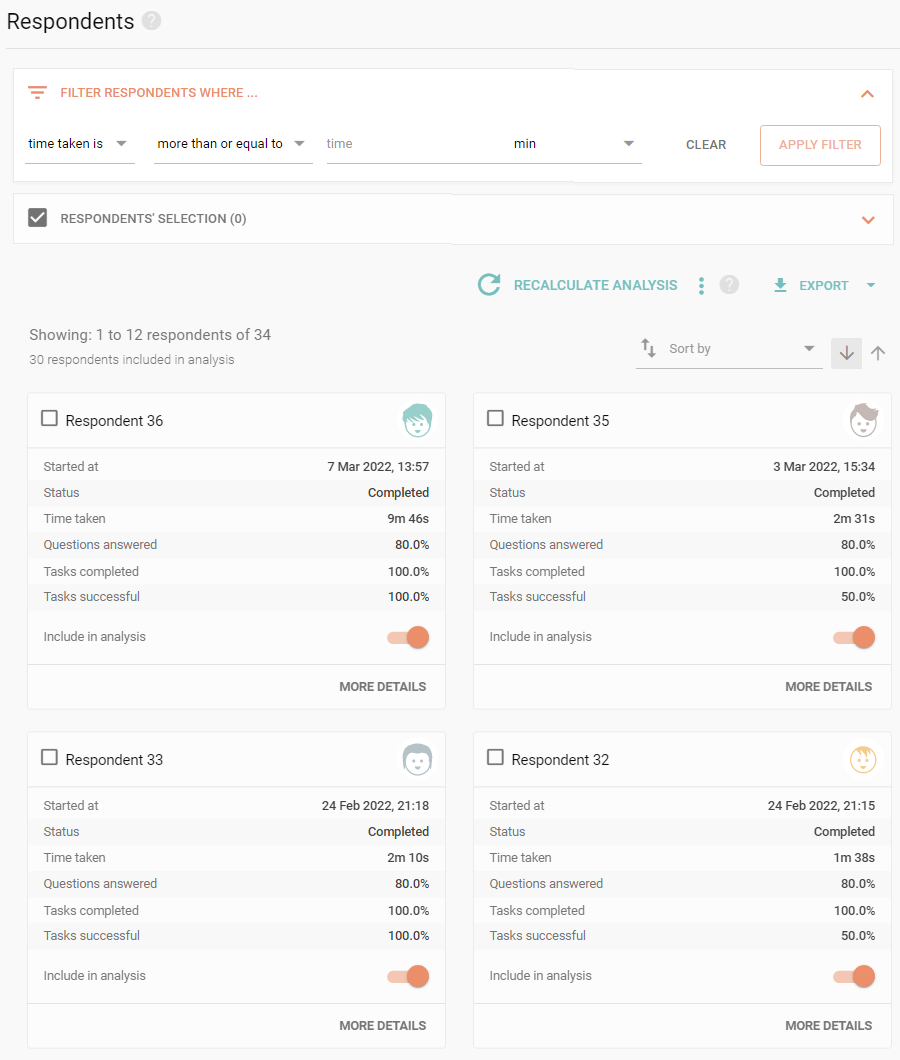
Play the Screen, Face and Voice recordings of how users interact with your website to see what difficulties they might have. Dive deep into analytic results to uncover flaws hidden around your web.
What are your competitors doing better? Learn more about
Optimize your website’s UX with our website usability checker.
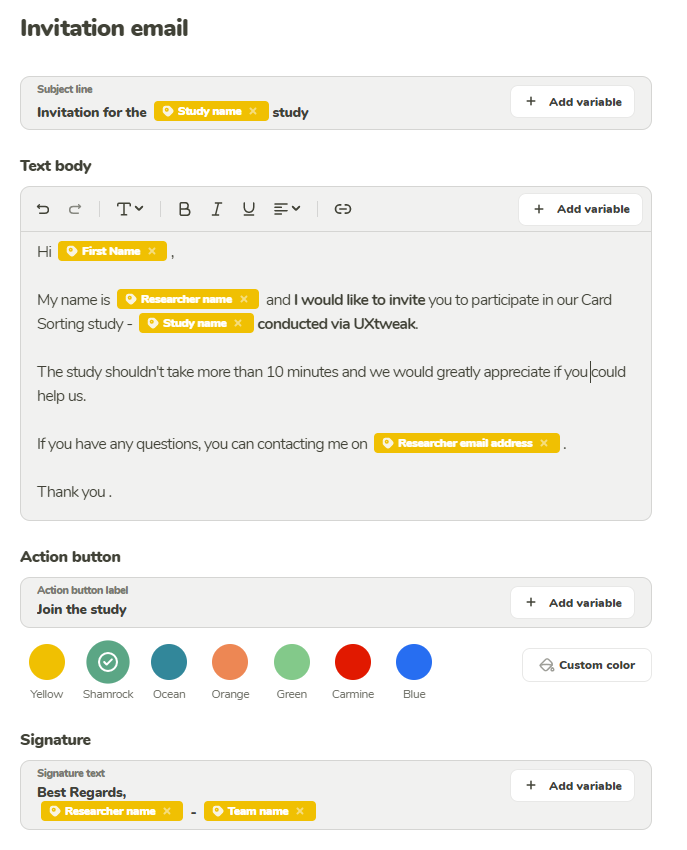
Use the Own Database and its mailing system to recruit participant from your own pool. Simply import them using a .csv or .xlsx file and start inviting them right away.

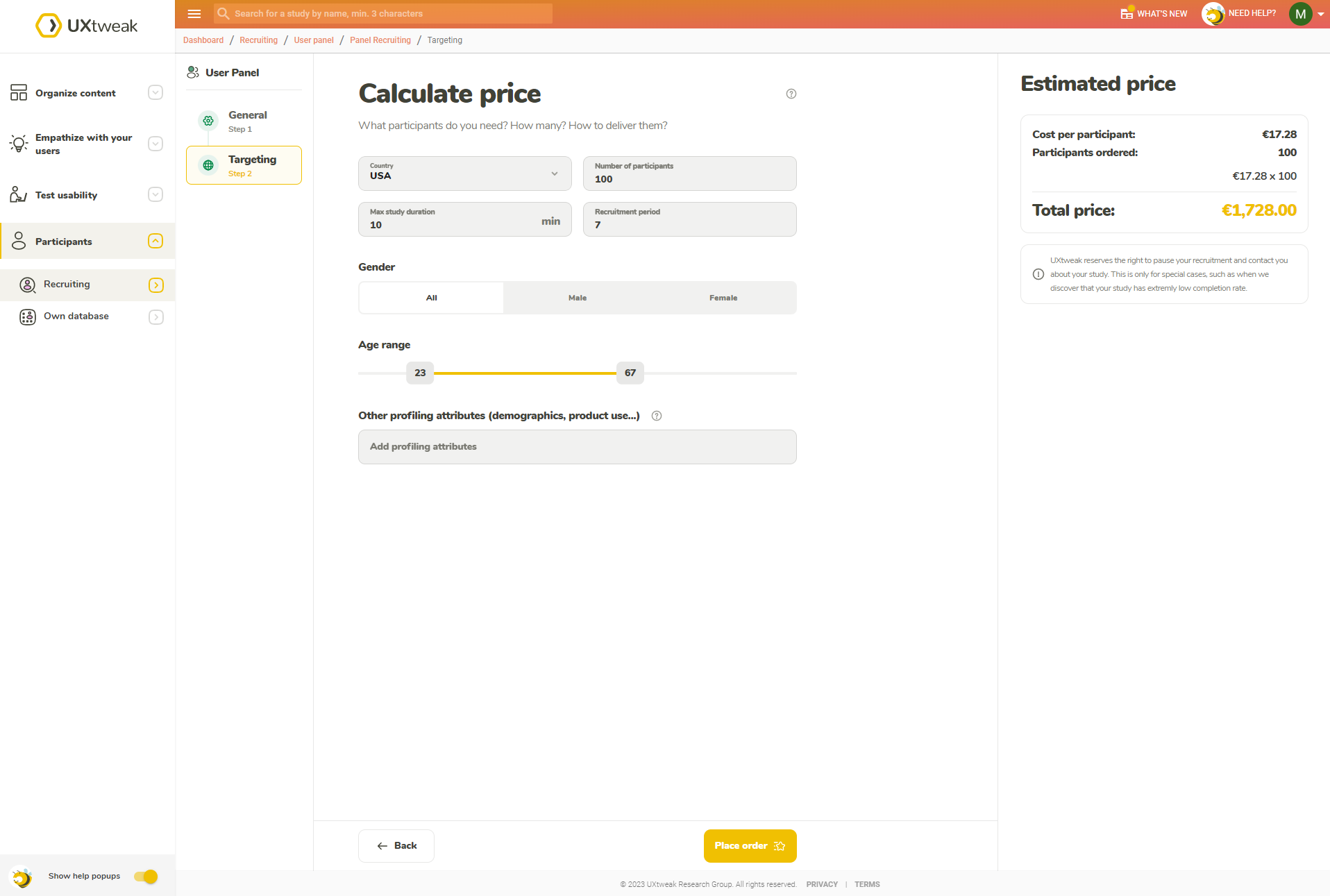
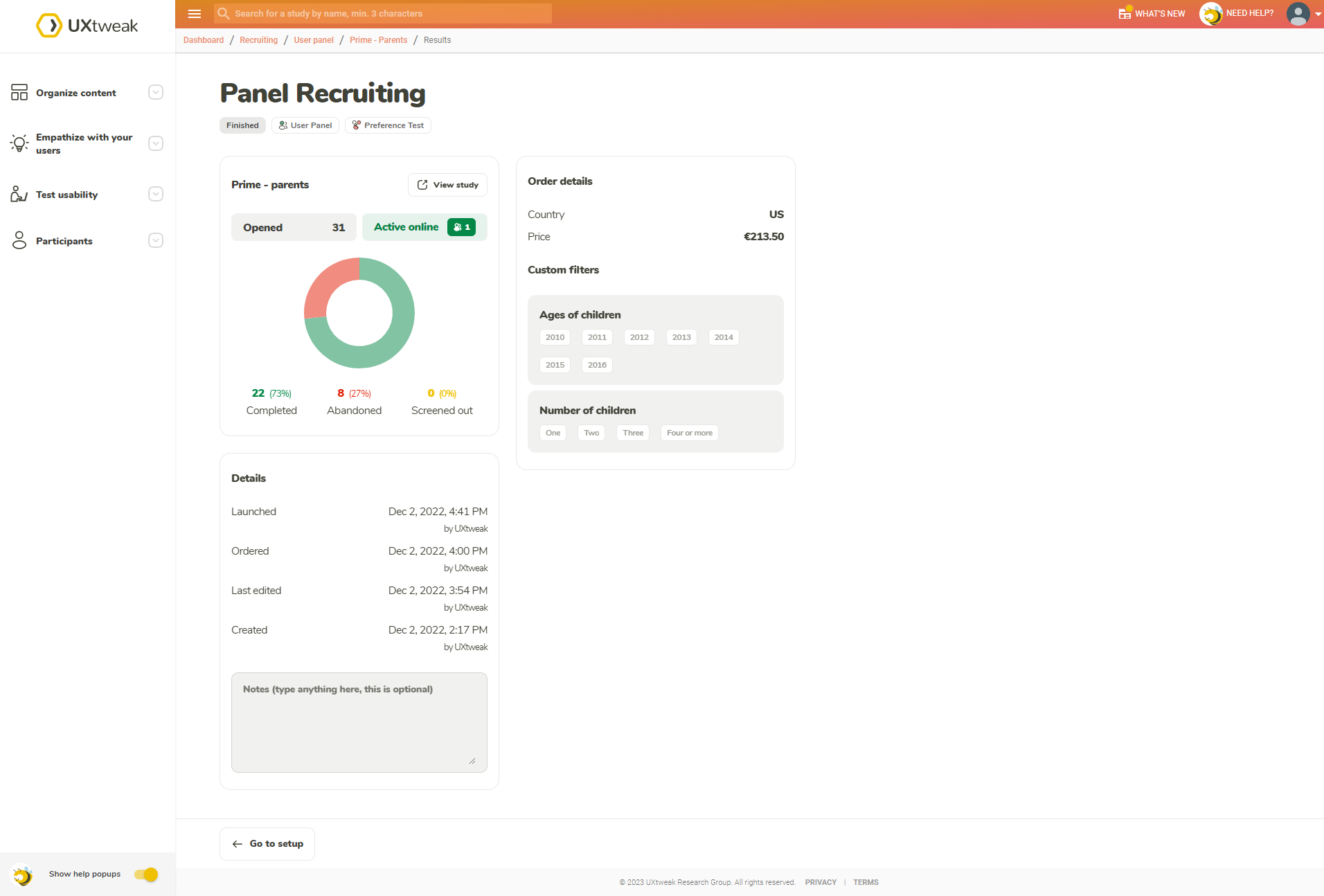
Pick what kind of respondent you’re looking for (by country, age, gender and plenty of other attributes) and have them delivered directly by using the User Panel tool.

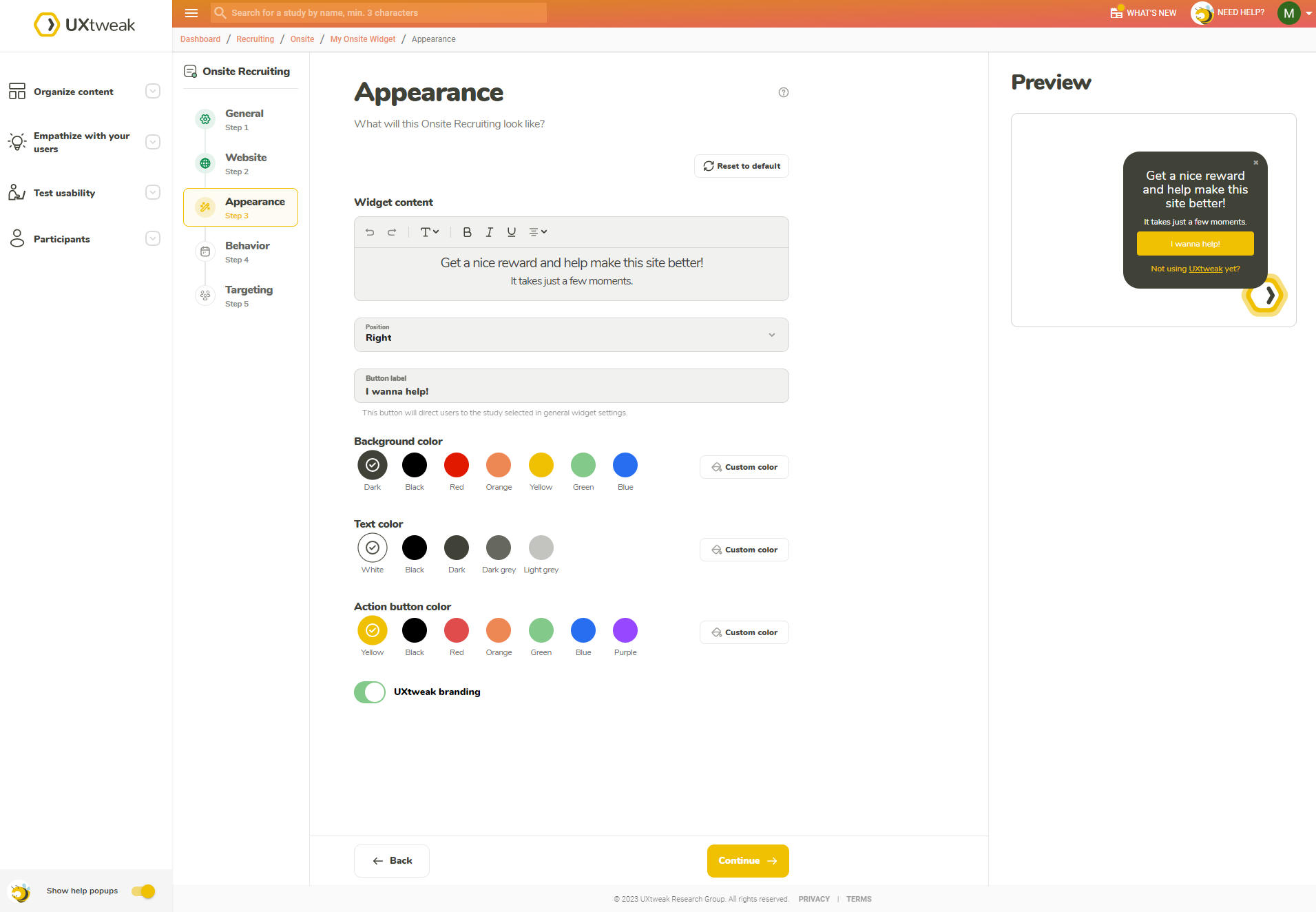
The best respondents are your customers. Insert the Recruiting Widget into your website to get data directly from your users.

Take the registration link for your interview and share it through your own channels (e.g. though email, CRM or social media).
Improve UX with our website usability testing software.
Website usability testing is the process of observing real users as they interact with a website and collecting their feedback to evaluate its user-friendliness. Participants are given tasks to perform, and their actions and comments are recorded. The goal is to uncover usability issues and improve the website's user experience. Website usability testing can be carried out in UX laboratories or remotely using usability testing tools such as UXtweak.
To conduct Website Usability Testing you should follow 5 main steps.
Learn more about the process in our complete guide on Usability Testing.
You can recruit testers using multiple methods, here are 5 effective ones
Learn more in our article on recruiting users for usability testing.
You can share the results of your website testing by setting up a share link. The link will provide access to your results to anyone you send them to regardless of whether they have a UXtweak account. This link can be password protected. Alternatively, you can export the results as PDF or CSV files and share these files with anyone you need.
Website Testing is currently available in 14 languages:
Can’t see your language? Contact us and let us know.
We need your consent to use cookies
on our website to provide you with the highest level of service.
You can change the settings by clicking the "Settings" button.
These cookies are necessary to ensure the operation and basic functions of the UXtweak website. They store information about your UXtweak session and help protect your privacy.
These cookies are used to analyze traffic on our website, so that we can better understand our users and improve the site's content, usability and functionality.